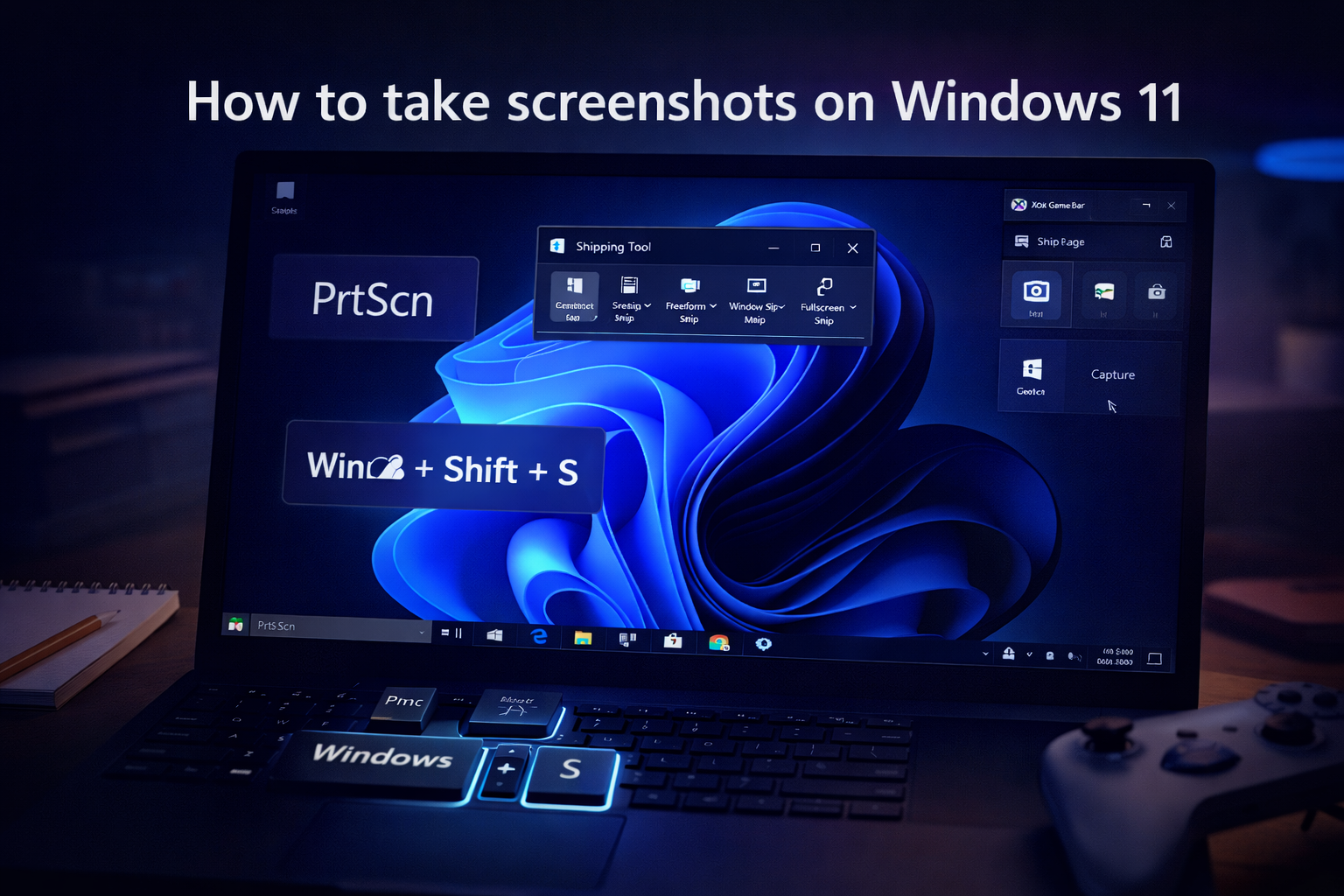

Taking screenshots on Windows 11 is easier than ever. Whether you want to capture your full screen, a specific window, or just a selected area, Windows provides multiple built-in tools.
1. Use Print Screen Key
Press PrtScn to capture full screen and paste using Ctrl + V.
2. Use Snipping Tool
Press Windows + Shift + S and select the area.
3. Auto Save Screenshot
Press Windows + PrtScn to save directly.
4. Xbox Game Bar
Press Windows + G and capture screenshots.
5. Surface Devices
Press Power + Volume Up.
6. Third-Party Tools
Use tools like ShareX or Lightshot for advanced features.
These methods help you take screenshots quickly and efficiently.